Welcome Baby App vs. Book: What's in Each
By:Author:Welcome Baby Editorial
Updated on:October 20, 2026

- What's in the Book
- What's in the App
- The Myth That Your Camera Roll Is Already a Baby Book
- Welcome Baby App vs. Book, Side by Side
- Is It a Baby Tracking Book or a Baby Book Tracker?
- How the Two Work Together
- What Neither One Can Do
- How Long Until It Helps
- Managing the App Plan
- Why Families Use Both
- Final Thoughts
The Welcome Baby book is a customized keepsake for your shelf, built from a short quiz, with journaling prompts, photo space and milestone pages. The Welcome Baby app is the companion for everyday moments: photo uploads, milestone tracking and gentle reminders.
The app catches it; the book keeps it.
You do not have to choose one. They are two formats of the same story, built for two different moments: the five seconds when something happens, and the five minutes when you sit down to write it properly.
Here is exactly what each one holds, where they overlap, and how to use them together without doubling your work.
What's in the Book
The book is the permanent record. It is customized from your quiz answers, so what goes in depends on what you chose, but the building blocks are:
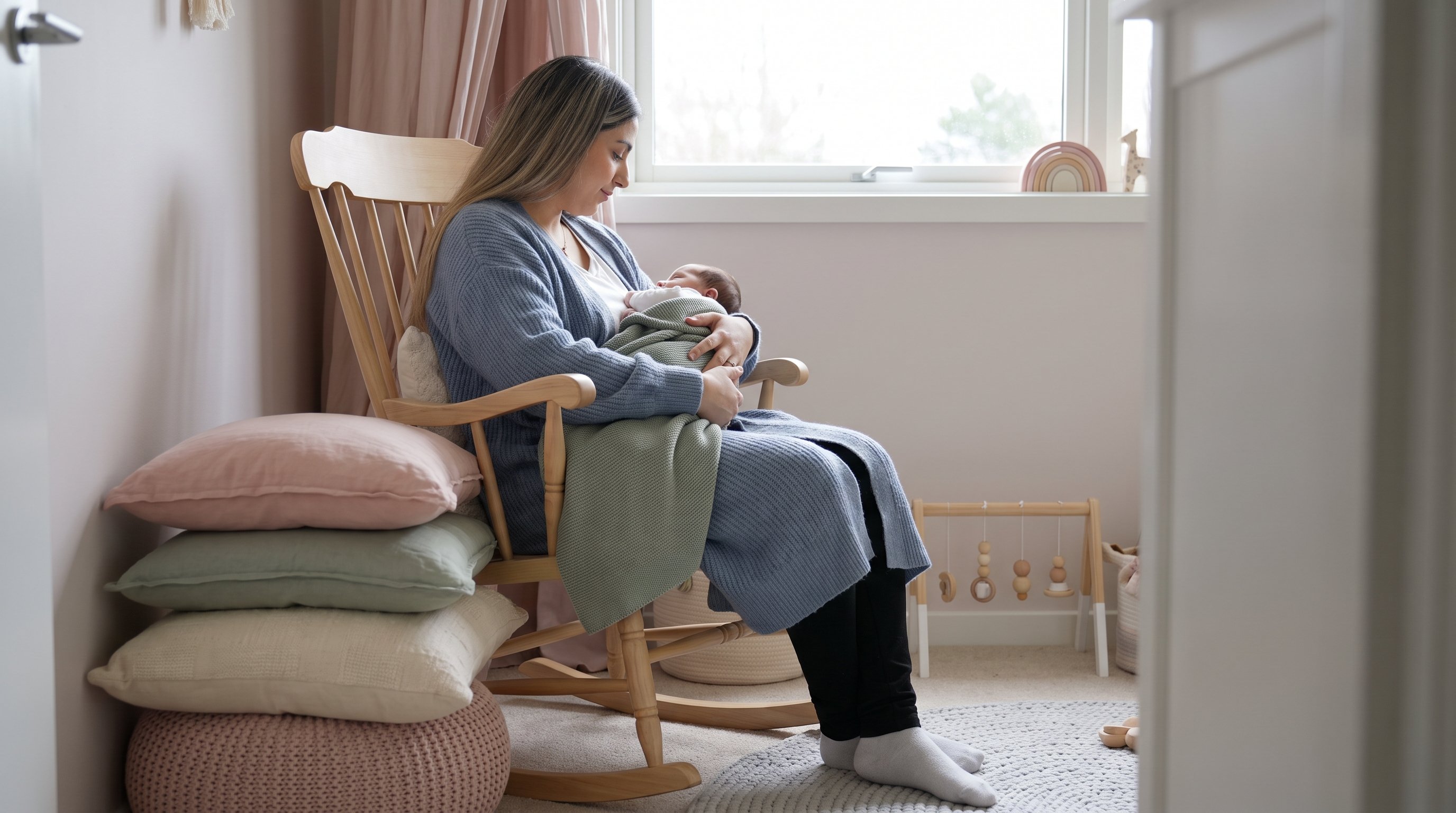
What's in the Book
- Your family on the cover, with your names, a color and an image you pick.
- A dedication page written around your family.
- Milestone pages for firsts like the first smile, first word and first steps, each with space of its own.
- Journaling prompts and photo space, so you always know what to write.
- The chapters you picked: pregnancy memories, the birth story, events like a baby shower or first holidays, and extras like a family tree, handprints and footprints or monthly growth photos.
- Simple play and bonding ideas, as many or as few as you asked for.
It is designed to be filled over time as your baby grows. It is the thing you hand to your child one day.
What's in the App
The app is the pocket version: always with you, quick to open, and built to make sure small moments do not disappear before they reach the book. It is free to download on the App Store and Google Play under the name "Welcome Baby: Baby Tracker".
According to the Site and the Store Listings, It Includes
- Photo uploads and a photo diary, so the picture and the note live in the same place.
- Milestone tracking and milestone alerts, for logging a first on the day it happens.
- A memory journal for quick notes.
- Gentle, customizable reminders, so you are nudged to capture something before the week is gone.
- Daily routine logs and sharing with other caregivers, for families who like to keep everyone on the same page.
Paid app features run on a subscription. The site's Subscription Terms explain that it renews automatically until cancelled, so it is worth knowing your renewal date from the start.
The Myth That Your Camera Roll Is Already a Baby Book
Almost every parent believes this one for a while. You have thousands of photos, every one dated, so the first year is surely "captured".
It is not. A camera roll records what things looked like, never what they meant.
It does not know which of the forty near-identical photos was the first real laugh, who was in the room, or the nickname you used that week and then forgot. Scroll back a year and you get a wall of tiny faces with no story attached.
The story is the part that fades fastest, and it is the only part a phone cannot recover later. That is the gap both formats are built to close: the app grabs the note while it is fresh, and the book gives it a page worth keeping.
Welcome Baby App vs. Book, Side by Side
| Factor | The book | The app |
|---|---|---|
| What it is | A printed, customized keepsake | A digital memory keeper on your phone |
| Best moment to use it | A calm five minutes, weekly or monthly | The moment something happens |
| Milestones | A page of its own for each first | Log it on the day, with a photo |
| Photos | Your favorites, chosen with care | Upload everything, sort later |
| Prompts and reminders | Journaling prompts on the page | Gentle reminders on your phone |
| Sharing | Pass it around the room | Share with other caregivers |
| How long it lasts | For your child to keep | As long as you use it |
| Cost structure | Paid at checkout | Free to download, paid features by subscription |
The short version: the app is for capture, the book is for keeping. One without the other works; both together is where it gets easy.
Is It a Baby Tracking Book or a Baby Book Tracker?
Both, depending on which half you are holding. People search for a "baby tracking book" when they want structure on paper, and a "baby book tracker" when they want an app that keeps the record.
This pairing answers both: milestone pages in a printed book, and milestone tracking in an app that reminds you to fill them.
The distinction that matters is what you are tracking. Here, the point is moments to remember, not numbers to judge.
Firsts, favorites, visitors, holidays, the funny thing that happened at bath time.
How the Two Work Together
The Simplest Routine That Works
- On the day: something happens, you snap a photo and type one line in the app. Ten seconds.
- Once a week or month: open the app, pick the best photo and note, and write it into the book using the prompt on the page. Five minutes.
- When a first happens: log it in the app with the date, then give it its own page in the book that weekend.

That is the whole system. The app makes sure nothing is lost; the book makes sure it is worth reading later.
What Neither One Can Do
Here is the honest part: neither format writes itself. The reminders and prompts make each entry quick, but the memories only get in if you spend the minute or the five minutes.
Neither one is a medical tool, either. Milestone pages and milestone logs are for recording moments when they happen, not for checking your baby against a timetable.
Any routine notes you keep are your own records; questions about your baby's health, feeding, sleep or development go to your pediatrician.
How Long Until It Helps
The app helps on day one: the first time you capture a moment you would otherwise have forgotten by Friday. The book helps by month two, when you flip back and find a page that already holds details you had lost.
The full payoff is at the end of the first year, when the book is complete and nothing had to be reconstructed from memory.
Managing the App Plan
Because app access is a recurring subscription, keep these three points handy:
Managing the App Plan
- Know your renewal date. Note it the day you order.
- Cancel where you subscribed. If you subscribed on the website, use the Manage Subscription page or email [email protected]. If you subscribed in the App Store or Google Play, cancel in your Apple or Google account.
- Buying a gift? Decide at checkout whether the recipient will use the app plan.
Why Families Use Both
Welcome Baby is one story in two formats: a printed book for your shelf and a companion app for everyday moments. The book is customized from cover to cover, with prompts, photo space and milestone pages for every first, and the app holds the photos and notes in between, with milestone tracking and gentle reminders.
Use the app to catch the moment and the book to keep it. Five minutes at a time, it adds up to a first year you will actually have on paper.
Take the quiz at welcome.baby

Prepare For Your Baby
Your Baby Plan
Final Thoughts
The app and the book are not competitors. One is fast and always in your pocket, the other is slow on purpose and built to last.
Capture in the app, keep in the book, and set one five-minute slot a week to move things across. Your camera roll will thank you, and so will your child in twenty years.
FAQ
The app is free to download on the App Store and Google Play. Paid features run on a subscription that renews automatically until cancelled, so check the plan at checkout.
No, the book works on its own, with prompts and milestone pages built in. The app simply makes it easier to catch everyday moments before they fade.
The store listing describes sharing with other caregivers. It is a handy way to keep a partner or grandparent in the loop between book entries.
If you subscribed on the website, use the Manage Subscription page or email [email protected]. If you subscribed through Apple or Google, cancel in your store account settings.
Share this post